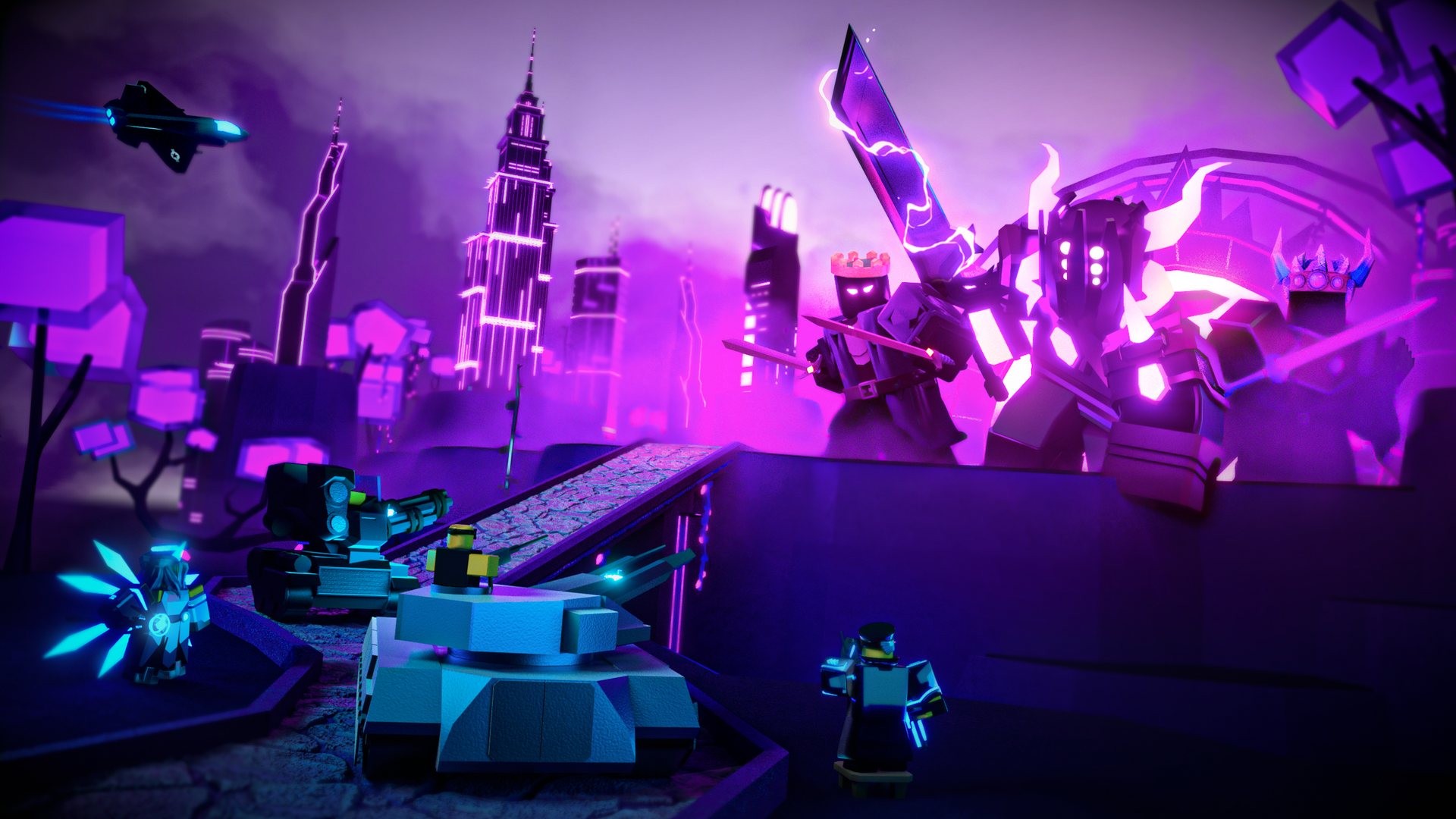
Get the latest Tower Defense Simulator Trello updates, roadmap insights, and pro gameplay tips to master your strategy in Paradoxum Games' hit Roblox title.
Published:
Table of Contents
Are you looking to stay ahead of the meta in one of Roblox’s most iconic experiences? Keeping track of the Tower Defense Simulator Trello board is the most effective way to anticipate upcoming content, balance changes, and new tower releases from Paradoxum Games.
Understanding the development pipeline is crucial for any dedicated player. By monitoring the official roadmap, you can prepare your coins and experience points for the next big update, ensuring you aren't caught off guard when new game modes or challenging towers drop. In this guide, we will break down how to utilize the board and master the core mechanics currently shaping the game's competitive landscape.
Navigating the Tower Defense Simulator Trello Roadmap
The official Tower Defense Simulator Trello serves as the primary source of truth for the community. It provides a transparent look into what the developers are currently working on, moving from conceptual stages to final testing.
Understanding Development Stages
The board is organized into columns that represent the lifecycle of a feature. Here is how you should interpret the current roadmap:
Stage
What it Means for You
Upcoming/Planned
Long-term goals; expect these in future major patches.
In Progress
Active development; expect teasers on social media soon.
Testing/Polishing
Near-release; keep your resources ready.
Released
Recent content drops that may require a meta shift.
By checking the board regularly, you can align your grinding schedule with the game’s release cadence. For example, if a "Hardcore Rework" is in progress, it is the perfect time to optimize your current loadouts to ensure you are prepared for increased difficulty.
Essential Gameplay Terminology for Success
Beyond the roadmap, understanding internal game jargon is what separates casual players from experts. According to recent community reports, players often struggle with complex strategies because they don't grasp basic abbreviations and mechanics.
Key TDS Terminology Explained
Term
Full Meaning
Purpose
Micro
Micromanagement
Moving or selling/replacing towers to maximize DPS.
NST
No Special Towers
Strategies using only base/coin towers for accessibility.
Commander Chain
Ability Chaining
Utilizing multiple Commanders for 100% fire rate buff uptime.
ROF Bug
Rate of Fire Bug
A technical limitation affecting high-fire-rate towers.
CE
Cost Efficiency
The ratio of tower price to total DPS output.
Mastering Commander Chaining
To achieve a 100% uptime on the "Call to Arms" ability, you need at least three Commanders. Monitor the fire rate buff icon or the ability duration bar to time your clicks perfectly. This is essential for high-level boss fights.
The Science of Cost Efficiency (CE)
One of the most frequent questions in the community involves determining which towers are worth the investment. Cost Efficiency (CE) is a metric used by top players to evaluate whether an upgrade is worth the gold.
When you are short on cash, prioritize upgrades that offer the highest DPS increase per dollar spent. For instance, most players find that upgrading the Accelerator to level 3 or 4 provides better initial value than rushing to max level, which is significantly more expensive.
DPS Optimization Tactics
Sell and Replace: If a boss moves out of range, don't hesitate to sell your towers and place them further back. This "Micro" technique is vital for maps with long paths.
Targeting Priority: Always adjust your tower targeting settings based on the enemy type. Setting towers to "Strongest" or "First" can significantly change the outcome of a wave.
Leveraging NST Strategies: If you are a newer player, search for "NST" (No Special Tower) guides. These strategies are designed to help you beat difficult modes using only standard towers like the Turret, which is unlocked at level 50.
Addressing the ROF Bug
Many players notice that their towers don't seem to fire as fast as the stats suggest. This is known as the "ROF Bug." According to Paradoxum Games, this is largely due to how the Roblox engine handles tick rates and frame synchronization.
Towers with extremely high fire rates suffer more from this limitation. If you are planning a strategy, keep in mind that the intended fire rate might be slightly slower in practice. Always check the official wiki or community spreadsheets for "actual" DPS values rather than just the in-game display.
Future Content and Community Expectations
Looking at the Tower Defense Simulator Trello board, the community has a lot to be excited about in late 2026. The roadmap includes major projects like the "Story Mode," "Golden Mode," and various new towers like the "Tesla Tower" and "Juggernaut."
Upcoming Roadmap Highlights
New Lobbies: Expect a visual and functional refresh of the main hub.
Tower Evolutions: A potential game-changer for how we level up our favorite units.
PVP Mini-Rework: A long-awaited update to balance competitive play.
Staying updated via the official roadmap ensures you are always ready for these shifts. When new towers are released, they often redefine the "meta," making previously "useless" towers viable again or vice versa.
FAQ: Frequently Asked Questions
Q: Where can I find the official Tower Defense Simulator Trello?
A: You can view the board at the official Trello roadmap link. Always access it directly from official sources to avoid phishing sites.
Q: What does "NST" mean in strategy documents?
A: NST stands for "No Special Towers." These strategies are designed to be accessible for players who haven't unlocked event, hardcore, or gold-perk towers yet.
Q: Is the ROF bug going to be fixed?
A: The ROF bug is a technical limitation inherent to the Roblox game engine's tick rate. While developers try to mitigate it, it is considered a permanent environmental factor in the current game build.
Q: How often is the Tower Defense Simulator Trello updated?
A: Paradoxum Games updates the board as development progresses. It is the best place to see what is currently in "Testing" or "In Progress" phases before a major update drops.