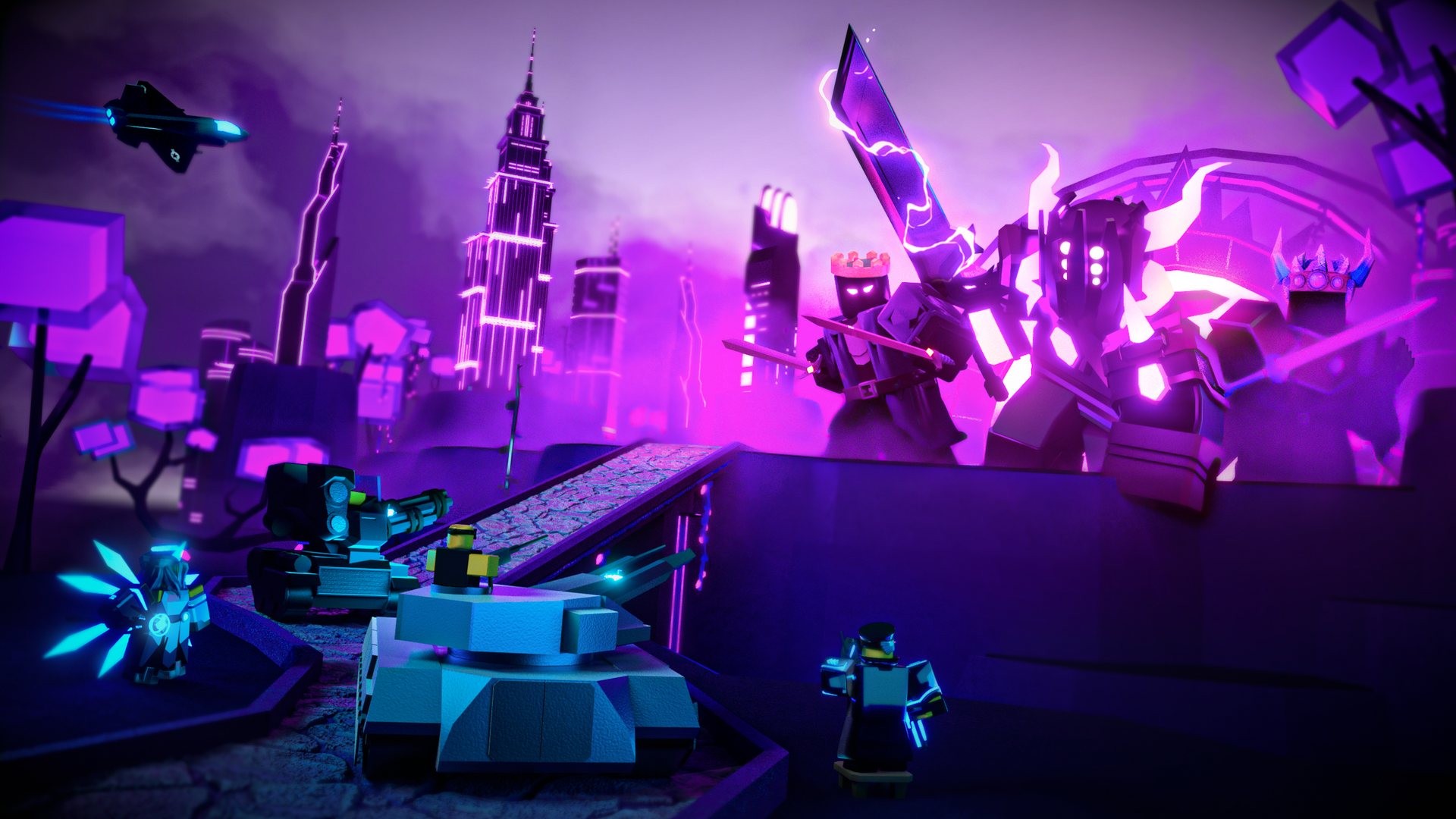
Tower Defense Simulator LEGO Concepts: Fan Creations & Ideas
Explore the creative world of Tower Defense Simulator LEGO concepts! Discover how fans are building their favorite Roblox TDS towers in brick form.
Published:
Table of Contents
The world of Tower Defense Simulator (TDS), developed by Paradoxum Games, has captivated millions of players on Roblox with its intense strategy and ever-evolving roster of units. While the game itself is a digital masterpiece, a passionate segment of the community has taken their fandom into the physical realm by exploring tower defense simulator lego concepts. This intersection of digital gaming and physical building blocks allows players to reimagine their favorite defenders in a unique, tangible way.
Why does this matter? For many, these creative projects are more than just hobbies; they are a way to bridge the gap between the virtual towers they deploy in Fallen Mode and the tactile satisfaction of building custom models. Whether you are a fan of the classic Scout or the high-tech Accelerator, seeing these units rendered as bricks offers a fresh perspective on the game's iconic character design.
The Rise of Fan-Made TDS Brick Models
The community surrounding Tower Defense Simulator is known for its creativity, often producing fan art, lore theories, and, increasingly, complex digital building projects. Fans have utilized platforms like Mecabricks to translate the game's stylized units into blocky, modular designs. These tower defense simulator lego builds often focus on the iconic Level 0 and final-level variants of popular towers.
According to community reports, these creators often use browser-based programs to generate base minifigure models, then export them into 3D rendering software like Blender for final polishing. This process highlights the dedication of the fanbase—they aren't just playing the game; they are meticulously deconstructing its assets to understand their geometry.
Common Techniques for TDS Brick Building
Technique
Description
Benefit
Modular Design
Using standard brick pieces to simulate tower upgrades.
Allows for "leveling up" the build physically.
Big-Fig Molds
Customizing larger figures for boss representations.
Captures the scale of threats like the Fallen King.
Digital Rendering
Using Blender/Mecabricks to prototype builds.
Saves on material costs and allows for iteration.
Custom Decals
Applying specific unit colors and patterns.
Brings the game’s unique aesthetic to life.
Bringing Towers to Life: The Building Process
If you are interested in creating your own tower defense simulator lego models, the process requires more than just a pile of bricks. You need to identify the core features that make a tower recognizable. For example, the Minigunner is defined by its massive weapon and tactical gear, while the Commander is instantly identified by his iconic headset and stool.
Prototyping: Use digital tools to map out the dimensions of the character.
Brick Selection: Group your parts by color-coding. Use grey and metallic pieces for military-themed towers, and vibrant colors for specialized units.
Refinement: Add small details like antennae, sensors, or weapon barrels to ensure the model looks "in-game" accurate.
[!TIP]
Focus on Silhouette
When building smaller towers, the silhouette is more important than the texture. If someone can identify the unit from its outline alone, you have succeeded.
Comparing Digital Strategy and Physical Concept Art
One of the most interesting aspects of the tower defense simulator lego community is how they interpret game mechanics through physical builds. While the game focuses on DPS (Damage Per Second), range, and fire rate, the physical models focus on aesthetic fidelity.
Tower Aesthetic Complexity
Tower Type
Difficulty to Build
Key Feature to Capture
Scout
Low
Basic uniform and pistol
Accelerator
High
Energy core and complex plating
Turret
Medium
Rotating base and twin barrels
Crook Boss
Medium
Suit and thematic accessories
Players often report that the most rewarding part of these builds is the "upgrade" process. By designing the tower in modular stages, builders can physically swap out parts to represent the transition from a Level 0 unit to a max-level powerhouse.
Common Challenges in Community Projects
Building tower defense simulator lego models is not without its hurdles. Many fans note that the "Big-Figs" (larger-than-standard minifigures) are limited in their articulation, making it difficult to pose them in the classic "combat stance" seen in the game. Furthermore, complex units like the Accelerator have intricate energy effects that are difficult to replicate with standard plastic bricks.
However, these limitations often drive more creativity. Some builders have begun using translucent neon bricks to represent the energy glows of modern towers, while others use "SNOT" (Studs Not On Top) techniques to create smoother, more modern-looking surfaces for their builds.
[!WARNING]
Avoid Over-Engineering
Don't get bogged down in internal mechanics that no one will see. Focus your piece count on the exterior "skin" of the tower to maximize visual impact.
The Future of TDS Fan Creations
As Tower Defense Simulator continues to update with new events—such as the Halloween 2025 or the April Fools events—the community’s interest in tower defense simulator lego concepts will likely grow. With each new tower or skin release, there is a fresh set of assets for builders to interpret. We may even see more collaboration between digital artists and physical builders, potentially leading to custom sticker sets or instructions that others can follow.
The community remains a vibrant hub for these projects. Whether you are browsing fan art on the Wiki or sharing your latest MOC (My Own Creation) on a Discord server, the spirit of TDS is alive and well in the brick-building community.
Frequently Asked Questions
Q: Can I buy official Tower Defense Simulator LEGO sets?
A: Currently, there are no official tower defense simulator lego sets. The models you see online are fan-made concepts created using third-party software and individual bricks.
Q: What is the best tool to start building TDS models?
A: Most community members recommend using Mecabricks or Stud.io. These tools allow you to access a massive library of parts and render your creations to look like professional products.
Q: How do I represent the "leveling up" mechanic in a physical build?
A: The most effective way is to design your tower with a core internal frame and attachable "upgrade" modules. By swapping these outer shells, you can show the progression from Level 0 to Level 5.
Q: Where can I share my own TDS brick creations?
A: The official TDS Wiki and community Discord servers are the best places to share your work. Fellow players often provide feedback and tips on how to improve your designs.